Syreeta Thomas

Valdosta, GA, United States

Image for the badge Streak Starter.
Streak Starter earned for a 2-day streak!

😂😂🤣🤣😂🤣😂🤣

Reply

Francės Long I am so looking forward it. I should have given you 5.34x10^-24,821, but we’ll stick to the original one.

Reply

4. 1,912,367,834

Time thieves are the worst!

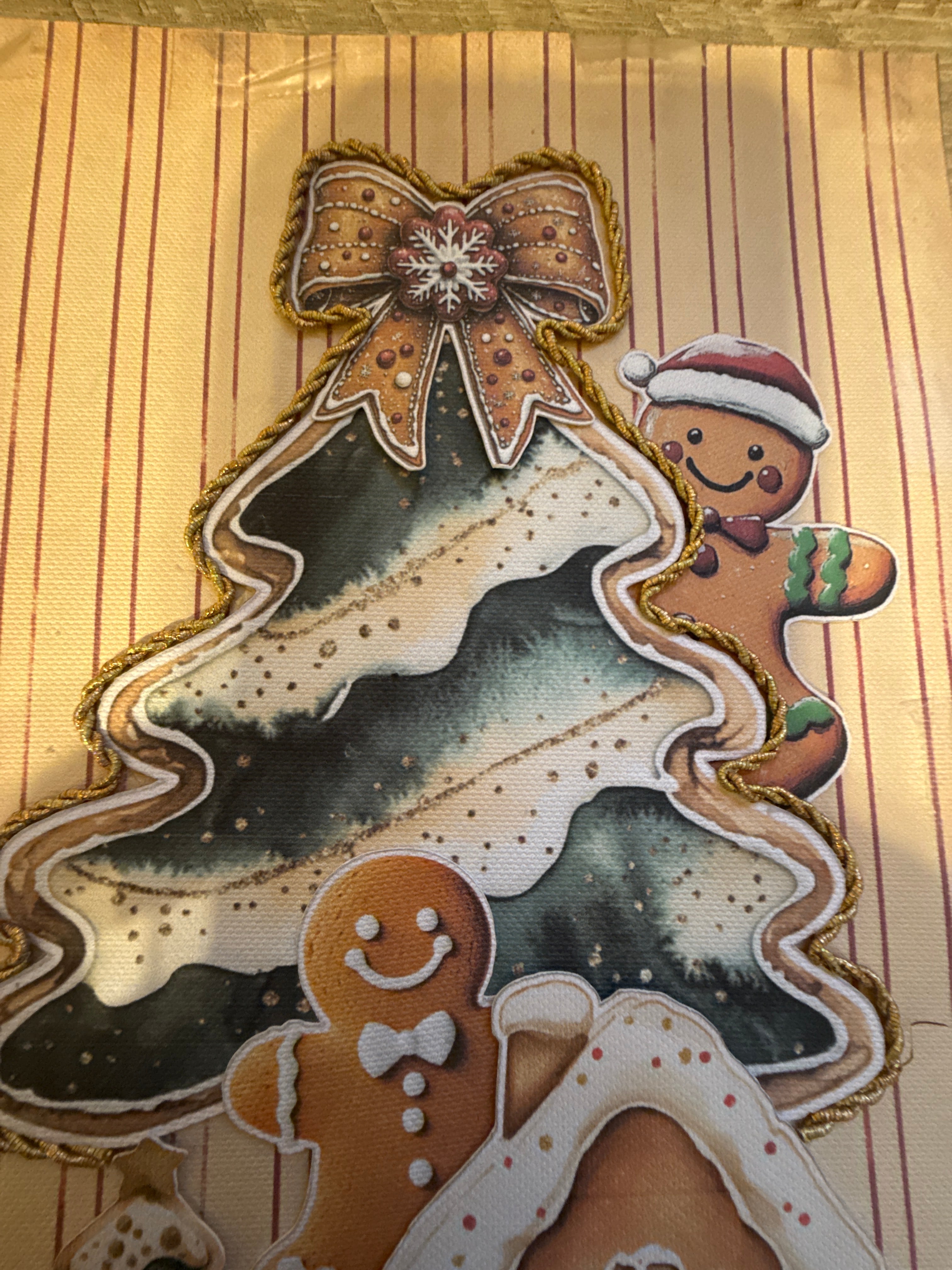
1764640819351_image_picker_40AAF9EB-8D8E-4C8C-A10A-72DE808485D7-5641-000001B3C832B6B1.1764640820.jpg

Thanks. I was thinking the same thing. Originally I was using a Christmas tree but it wasn’t cute.

Reply

I have the lights taped around the picture. The picture is inside the frame and behind the shaker. I have to create a hiding place for the switch.

Francės Long I do cut and score myself when I make a book for the first time. If I want to make it again I just open up my project in Design Space and use my Cricut to cut everything. And then all I have to do is tape and/or glue everything together. Design Space is a program or application that you use with the Cricut. It has a lot of cool features that allows you be as creative as you want to be. I used it to make my roof made of bats by using the welding feature. It’s a simple program and has a small learning curve. Once you become familiar with it, though, you realize there are a million different things you can do. I love it when I have time for it. It’s quicker to make a scrapbook without it, but it’s great when you want to make multiple books.

Reply
1764575282926_image_picker_EE3007D9-8852-4DB1-8E50-9E60BB95CA72-4376-0000012B1C082018.1764575283.jpg

Shayne This is your fault.

Reply

30 Nov 23:34

No, but sometimes, as I follow your tutorial, I like to create all the parts in Design Space, and I label every part just as you do, and group them in pages. So every layer is a page and within each layer are the parts to the page. I also create the scoring and matting so the next time I make a book, I use my Cricut. I print one layer at a time to keep it in order. It sounds hideous…and it is.

Shayne you say encourager, I say enabler😂

Reply